Element Synthesis
Rating
5
Orientation
Portrait
Release Date
2025-01-21
What is Element Synthetic
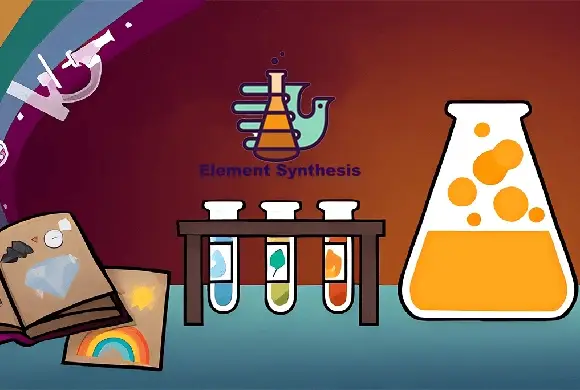
Element Synthetic is a captivating and thought-provoking puzzle game that challenges players to build an entire world from scratch. Starting with just a few basic elements, you must use logic, intuition, and a bit of scientific imagination to combine them and unlock hundreds of unique items. The game features a clean, minimalist interface where you can drag elements like Fire, Air, and Energy onto the workspace to see what happens. Discovering a "Volcano" or "Geyser" is just the beginning; as you progress, the combinations become more complex and surprising. With an integrated "Encyclopedia" to track your progress and a "Tips" system for when you're stuck, Element Synthetic offers an educational and deeply satisfying experience. It’s a perfect game for curious minds who enjoy discovery and the thrill of seeing how different components of our universe interact.
Key Game Features
Endless Discovery: Combine hundreds of unique elements and items to fill your comprehensive Encyclopedia.
Logical Gameplay: Every combination follows a certain logic, encouraging players to think about how nature works.
Helpful Hint System: Stuck on a combination? Use the "Tips" button to get a nudge in the right direction.
Stress-Free Experience: No timers or high-pressure scores, allowing you to discover the world at your own pace.
How to Play & Master
To begin your journey in Element Synthetic, look at the sidebar on the right side of the screen. This is your library of discovered elements. Click and drag an element, such as "Fire," into the dark central workspace. Then, drag another element, like "Energy" or "Earth," and drop it directly on top of the first one. If a reaction is possible, the two items will merge into a brand-new element, which will then be added to your library. If nothing happens, try a different combination! Use the "Clear" button at the bottom to tidy up your workspace if it gets too cluttered. You can check the "Encyclopedia" at any time to see which categories you have completed and which items you are still missing. The goal is to keep experimenting until you have discovered every possible item in the game!
Game Controls
Click and drag elements from the sidebar to the workspace. Drop one element onto another to combine them. Click menu buttons for Tips or the Encyclopedia.
Frequently Asked Questions (FAQ)
Q: I have too many items on my screen, what should I do?
A: Simply click the "Clear" (broom) icon at the bottom to remove all items from the workspace and start fresh.
Q: Where can I see all the items I've discovered?
A: Tap the "Encyclopedia" icon at the bottom of the screen to view your full collection categorized by type.
Q: How do I get more hints?
A: You can earn hints by discovering a certain number of new items or by clicking the "Tips" icon to see available options.













 525.8K